
Basecamp Integration
What the integration does
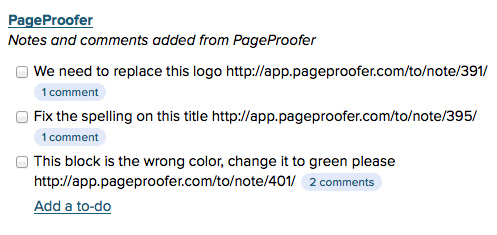
Connect a PageProofer site to a Basecamp project and new notes and comments create and update to-dos in a Basecamp to-do list you name. Each to-do links back to the specific page and note where the feedback was left.
1. Connect a site to a Basecamp project
-
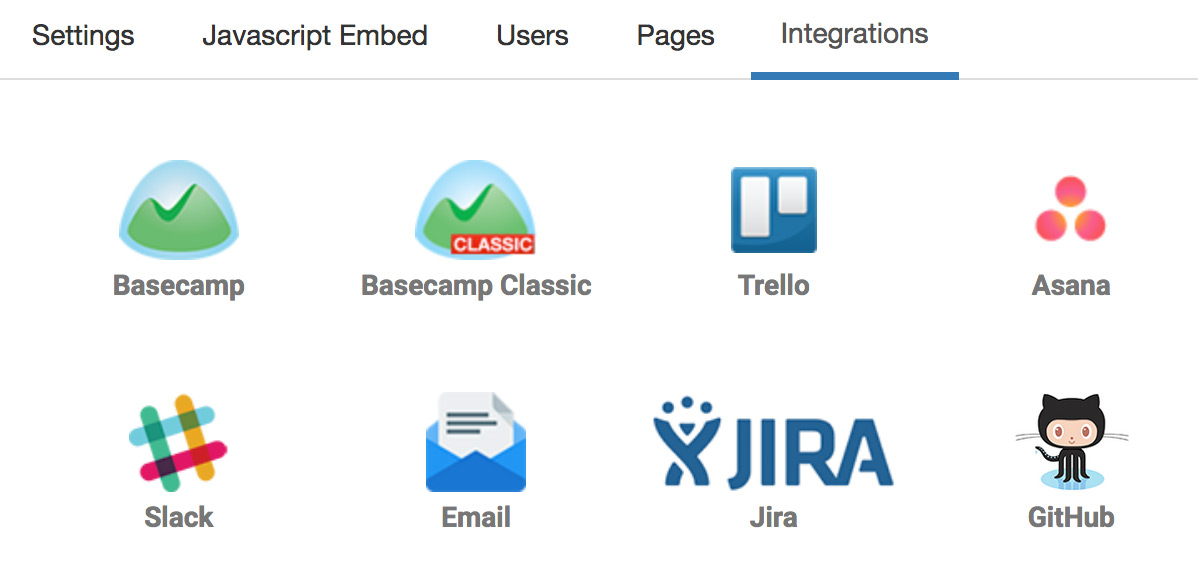
Go to the ‘Site Settings’ screen in PageProofer, click the ‘3rd Party Integration’ panel and then click the ‘Connect to a Basecamp project’ link.
-
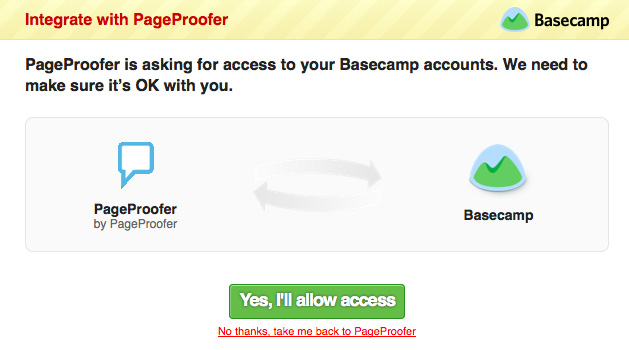
Allow PageProofer to have secure access to your Basecamp account.
-
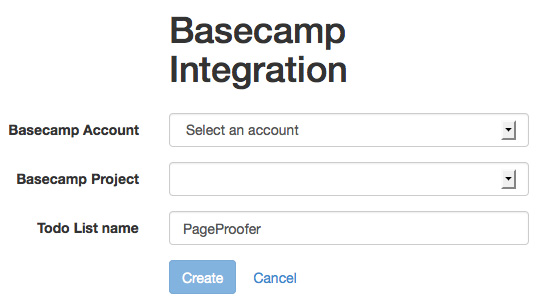
Select the Basecamp account and project you want connected to your PageProofer site and then enter a name for the to-do list that will be added in Basecamp to store the PageProofer notes.
-
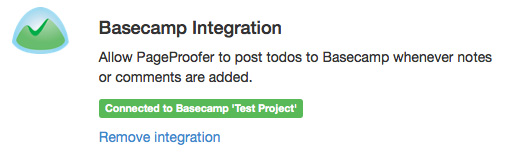
Your site is now connected to Basecamp.
-
Once you start adding notes in PageProofer you will see them added to the to-do list in Basecamp.
2. Connect your own Basecamp user account
If your other PageProofer users have their own Basecamp accounts and they have access to the same Basecamp projects they can set up their own authorization, so that when they add notes or comments in PageProofer it adds them to Basecamp using their Basecamp profile.
-
Click on the ‘Settings’ link in the top right corner of PageProofer after you have signed in.
-
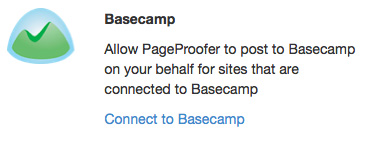
Click the ‘Connect to Basecamp’ link in the Integrations list.
-
Allow PageProofer to have secure access to your Basecamp account.
-
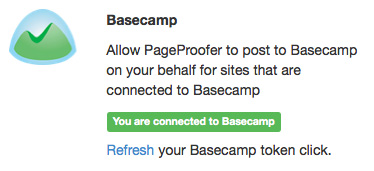
Your user account is now connected to Basecamp.
FAQ
Do all team members need a Basecamp account?
No. Once a site is connected to a Basecamp project, notes added in PageProofer are added to the Basecamp to-do list. Team members who have their own Basecamp account with access to the same project can connect it, so their notes and comments show up in Basecamp under their own Basecamp profile.
Where do PageProofer notes go in Basecamp?
Into the to-do list you name when you connect the site. Each note becomes a to-do with a link back to the page and note in PageProofer.
How do I turn website feedback into Basecamp to-dos?
Connect your PageProofer site to a Basecamp project in Site Settings, as in the steps above. From then on, every new note pinned on your website is added to Basecamp as a to-do.
Using another tool? See the Trello, Asana, ClickUp, monday.com and Linear integrations.