
The website commenting tool for live pages
PageProofer is a website comments tool that works right on your live site. It’s like adding sticky notes to your website, only better. Whenever you notice an issue, click it and leave a comment. The comment is pinned to that exact element, and you can attach a screenshot and a quick drawing to make the point.
Pin comments on live pages: the human review after your AI agent builds
Coding agents now build much of the web, and they reliably miss what only shows up in a real browser: spacing and alignment that’s slightly off, links and buttons that don’t click properly, hover and focus states, overlapping elements, animations that aren’t polished and layouts that break at certain screen sizes. A person spots these in seconds.
- The agent builds or changes the site.
- A person reviews the live site and pins comments in PageProofer, right on the elements that need work.
- PageProofer’s hosted MCP server hands each comment, with the element’s CSS selector and HTML, a screenshot, browser and device info and any console errors, to Claude Code or Cursor to fix.
- The person checks the fix on the live site.
See how PageProofer works with your AI agent, or connect your agent in about a minute.
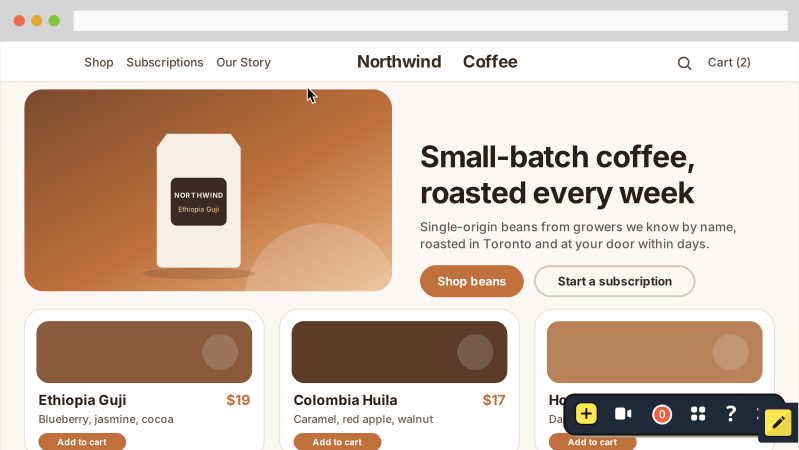
Comment on a web page in 3 clicks
It’s simple. After you add PageProofer to your website, click the icon and then click anywhere to leave a comment. The comment gets pinned to the element you clicked on, like a sticky note.
You can attach a file, a screenshot or even a screen recording. Inside each comment thread you can talk it through with your team and assign it to someone if action needs to be taken.
Say hello to fast and easy website commenting.
Commenting, annotating or marking up a website: same job
Whether you call it a website commenting tool, a website annotation tool or a website markup tool, the job is the same: point at something on a live page and say what needs to change. PageProofer does all three, with every comment pinned in place and the technical details captured for you.
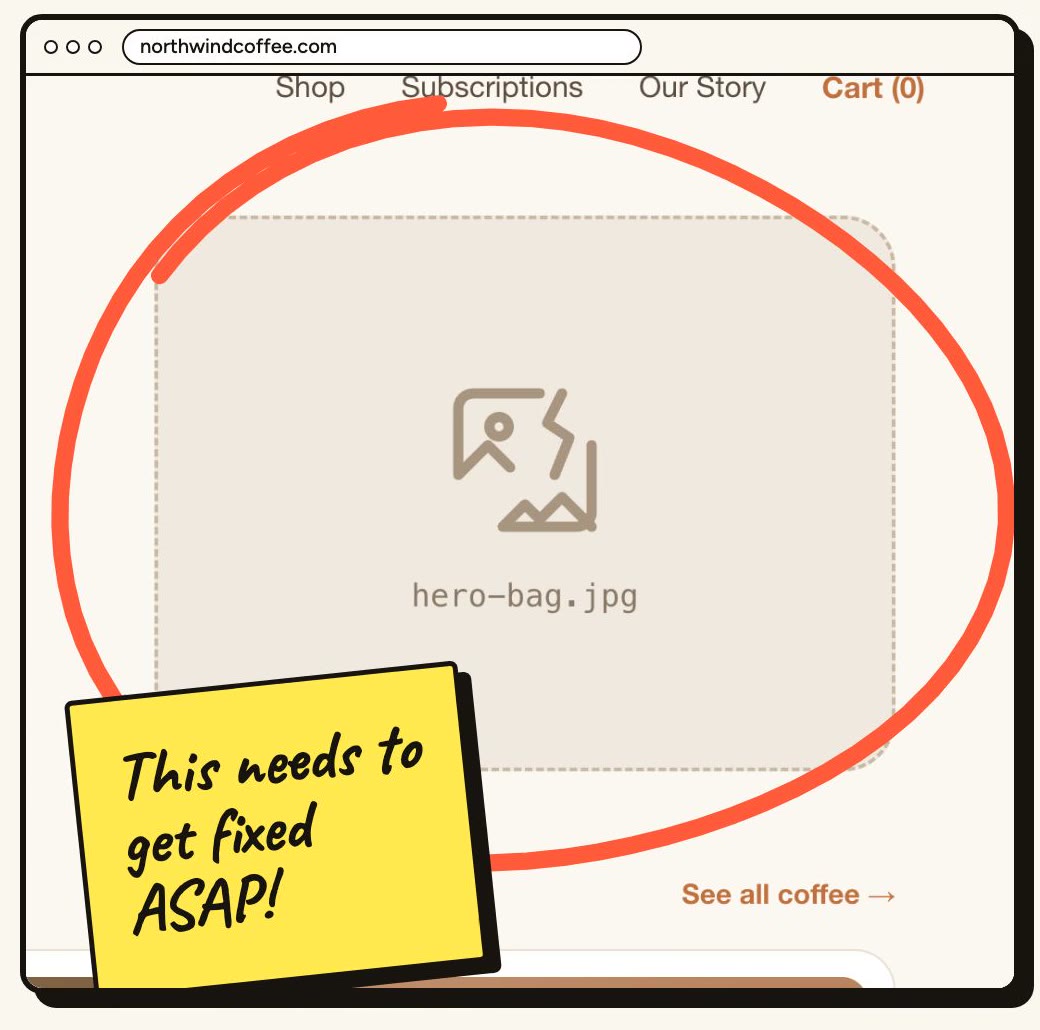
1. Spot an issue
A broken image, a typo, a button that doesn't work. When something on your website looks wrong, you don't need to take a screenshot, write an email and try to describe where it is.
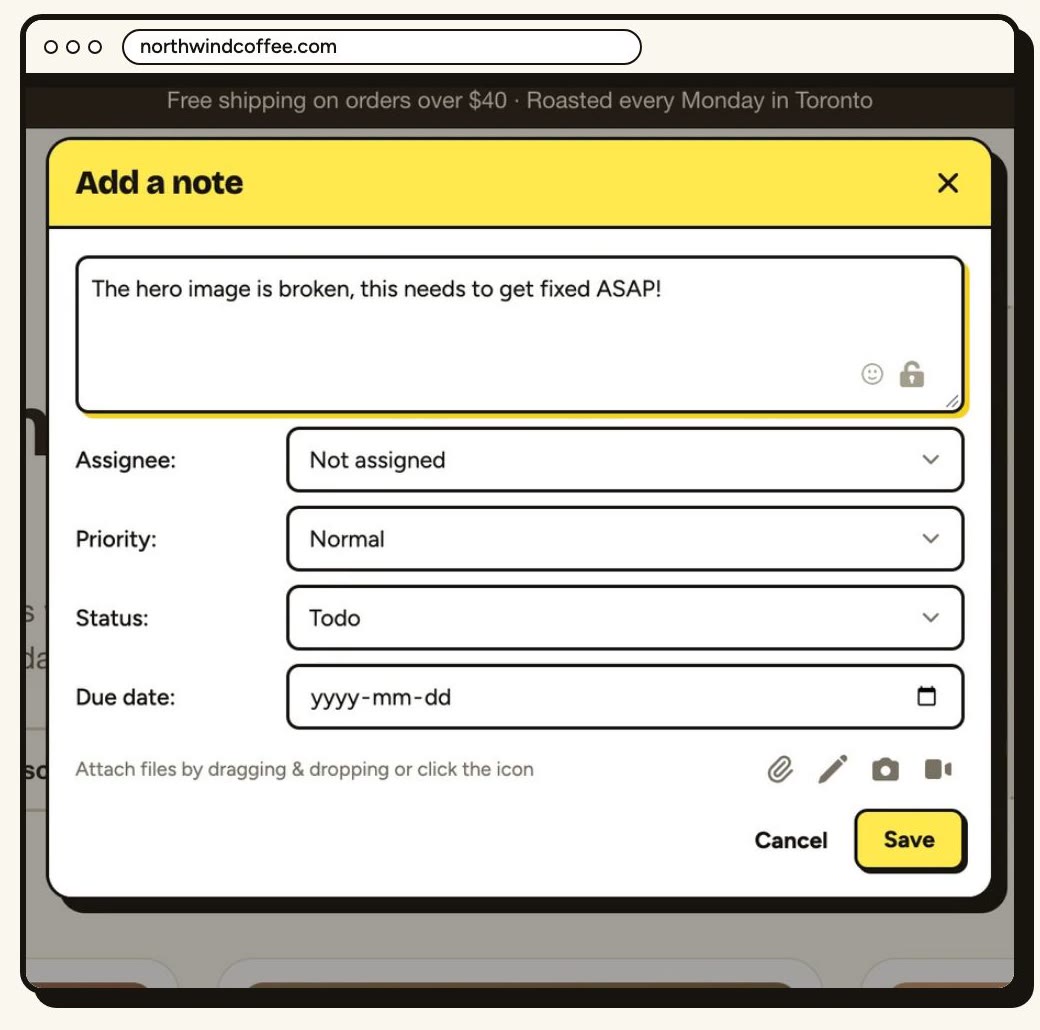
2. Add a note
Click the PageProofer icon, click the problem and type. The note is pinned to that exact element, and a screenshot, the browser and screen size, and any console errors are attached for you.
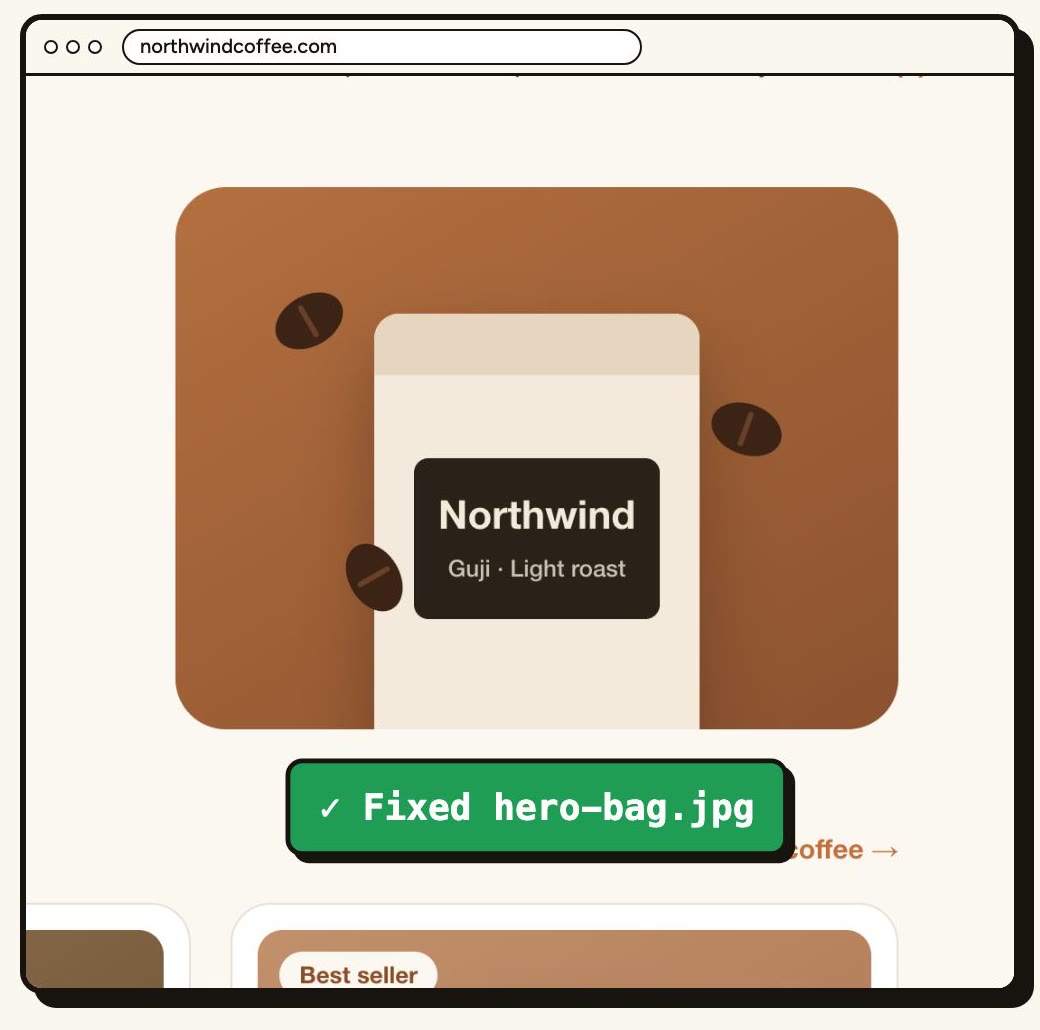
3. Get it resolved
Assign the note to someone on your team and talk it through in the comments. Or hand it to an AI coding agent: with our MCP server, agents like Claude Code and Cursor read the note, fix the code and reply, so a person can check the fix.
I cannot imagine managing all of our project edits without PageProofer
 Sydney GruffyGoat
I've taken PageProofer to three different companies I've worked for. You've got an amazing product that stands apart from the rest.
 Florin Round

Easy to add
Add the PageProofer code snippet to your website, or use the Chrome/Edge extension. Clients can leave comments as guests with no account needed, and anyone can attach a screen recording to a comment.

Click to annotate
Anytime you spot something on your website that needs to be called out, just click on it and add a note.

Instant notifications
Let people know about changes that need to happen, right on your website. With comments and notifications everyone can stay in the loop.
Check out all the features to learn more about how PageProofer can help you annotate web pages and optimize your workflow. Still weighing your options? You can also compare website feedback tools in our guide, or see how PageProofer works as an alternative to Pastel (usepastel).
Website commenting tool FAQ
How do I comment on a website?
Add PageProofer to the site with the code snippet, or install the Chrome/Edge extension. Click the PageProofer icon, click the element you want to comment on and type your comment. It's pinned to that element, with a screenshot and browser details attached.
Can clients comment on a website without an account?
Yes. Clients can leave comments as guests, with no account to create.
Does a website commenting tool work on any site?
PageProofer works on any site where you can add its code snippet. On sites where you'd rather not add code, you can use the Chrome/Edge extension instead.
How much does it cost?
Every plan includes unlimited sites. Plans start at $39/month, and every plan comes with a 15-day free trial with no credit card. See pricing.
I love the service, it has been a critical piece of our web dev success for the past several builds.
 Tyler Conversion First Marketing
I just have to tell you how awesome PageProofer is. It has been a complete game-changer for me! It has streamlined my work tremendously.
 Margaret Reliance