
← Back to Help How To
Drawing while you record
When you record your screen, you can draw on the page to point things out as you talk. Your drawing is part of the video.

How to draw
- Start a screen recording from the PageProofer toolbar.
- Click the pencil in the recording bar (or press
D). - Draw on the page. Each stroke fades away a moment after you finish it, so the page stays clear as you scroll.
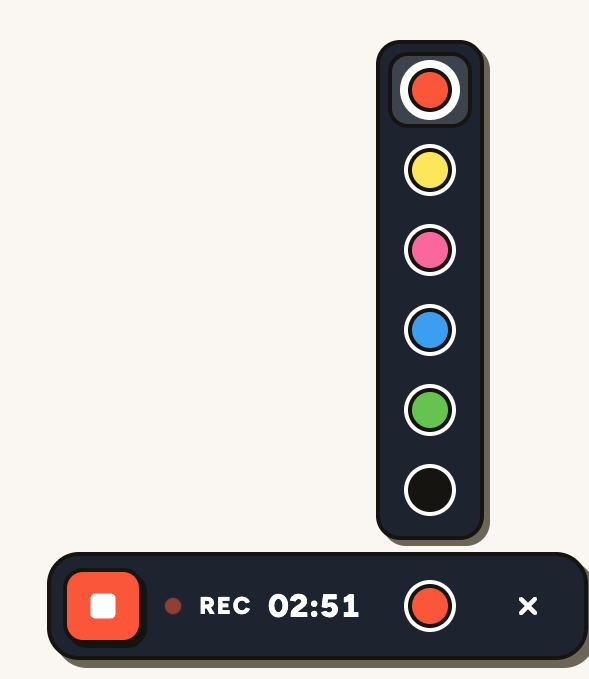
- Pick a colour from the colour button next to the pencil.
- Click the X (or press
Esc) to stop drawing and use the page again.
Stopping the recording also stops drawing. Screen recording is available on plans that include video feedback.