
← Back to Help How To
Keyboard shortcuts
Leave feedback faster with a few single-key shortcuts while PageProofer is open on your website. Press ? at any time to see the list.
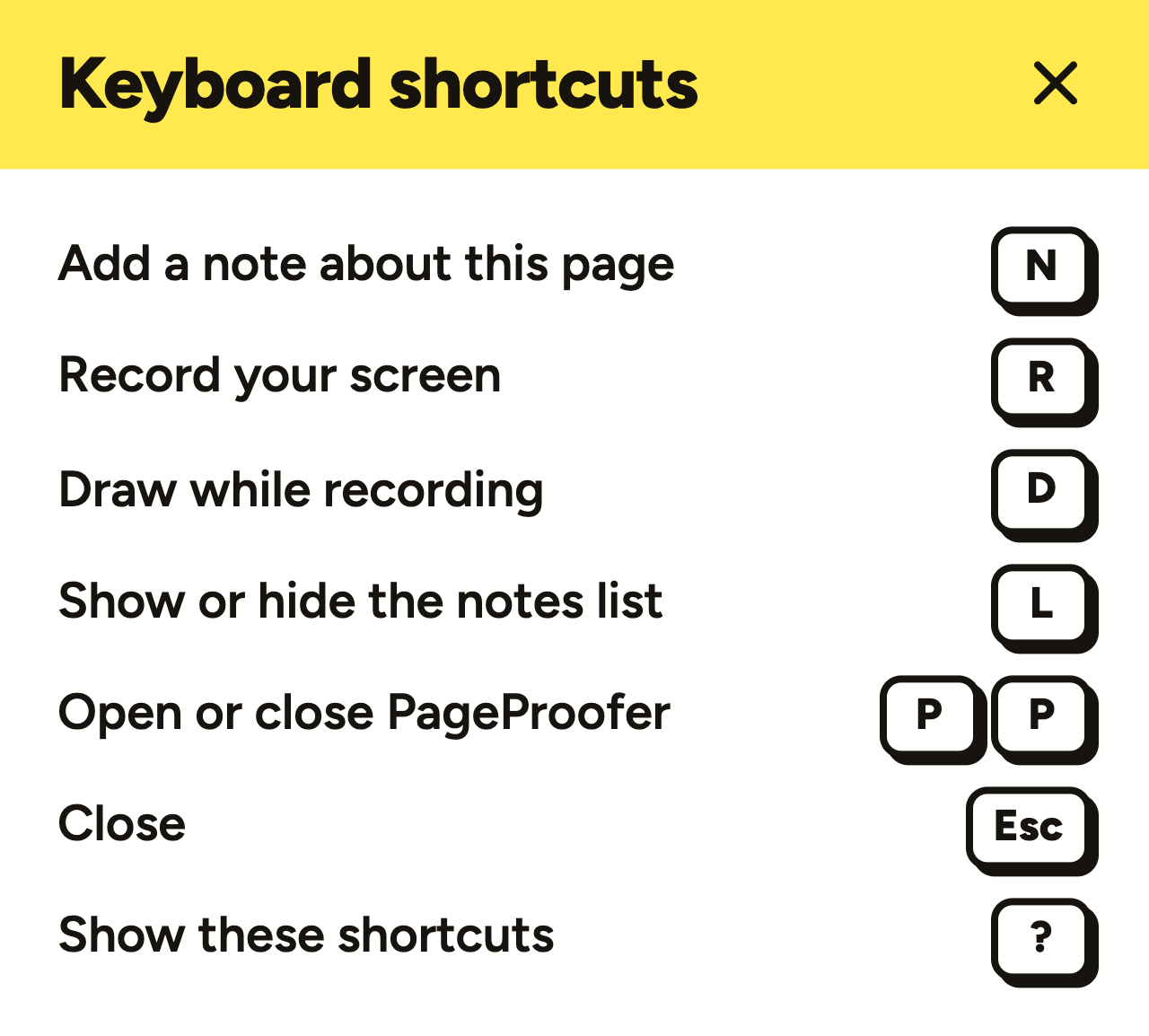
| Key | What it does |
|---|---|
N | Add a note about the whole page (not pinned to an element) |
R | Start a screen recording |
D | While recording, turn the drawing pen on or off |
L | Show or hide the notes list |
P P | Open or close PageProofer (press P twice, quickly) |
Esc | Close the shortcuts list, then the notes list, then PageProofer |
? | Show the keyboard shortcuts |
Good to know
- Shortcuts only work while PageProofer is open on your site, so they never get in the way of your own website’s keys. The two exceptions are
PP, which opens PageProofer, andD, which works while a recording is running. - Shortcuts are ignored while you’re typing in a note, a comment or any form field on the page.
- To pin a note to a specific element, click on it. PageProofer outlines the element under your cursor so you can see exactly where the note will go.
- Screen recording (
RandD) is available on plans that include video feedback.