
Linear Integration
Connect a PageProofer site to a Linear team and every note added in PageProofer becomes a Linear issue. The issue has the full note, its screenshots, the reporter’s browser details and a link straight back to the note on the page.
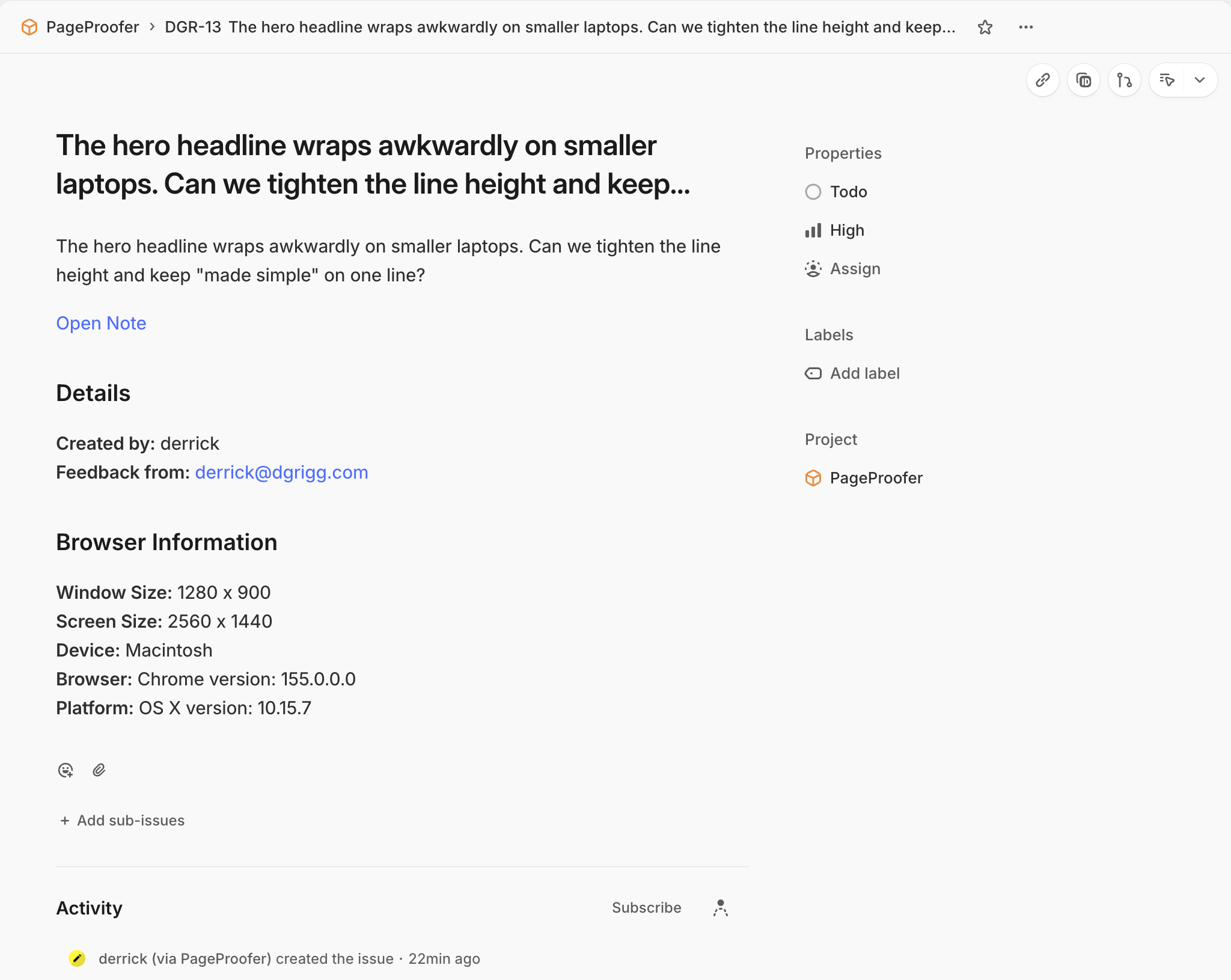
The two stay in step after that. Comments, status, priority and assignee changes made in either PageProofer or Linear show up in the other.
Set it up
-
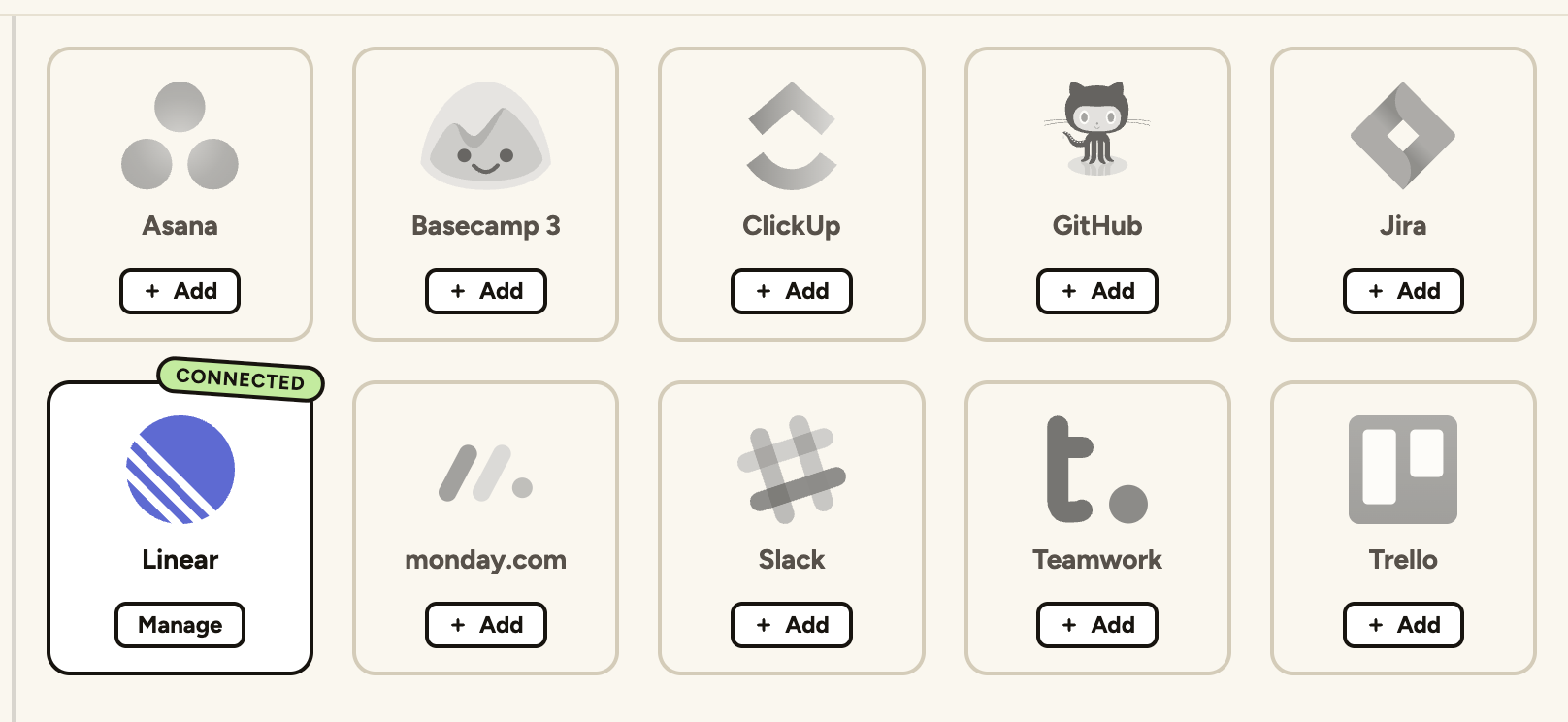
Go to the ‘Site Settings’ screen in PageProofer, click the ‘Integrations’ tab and then click ‘Add’ on Linear.
-
Allow PageProofer access to your Linear workspace. Issues are created by the PageProofer app, with the name of the person who added the note.
-
Choose the team the issues should go to and, if you like, a project. Issues can go to the team without a project.
-
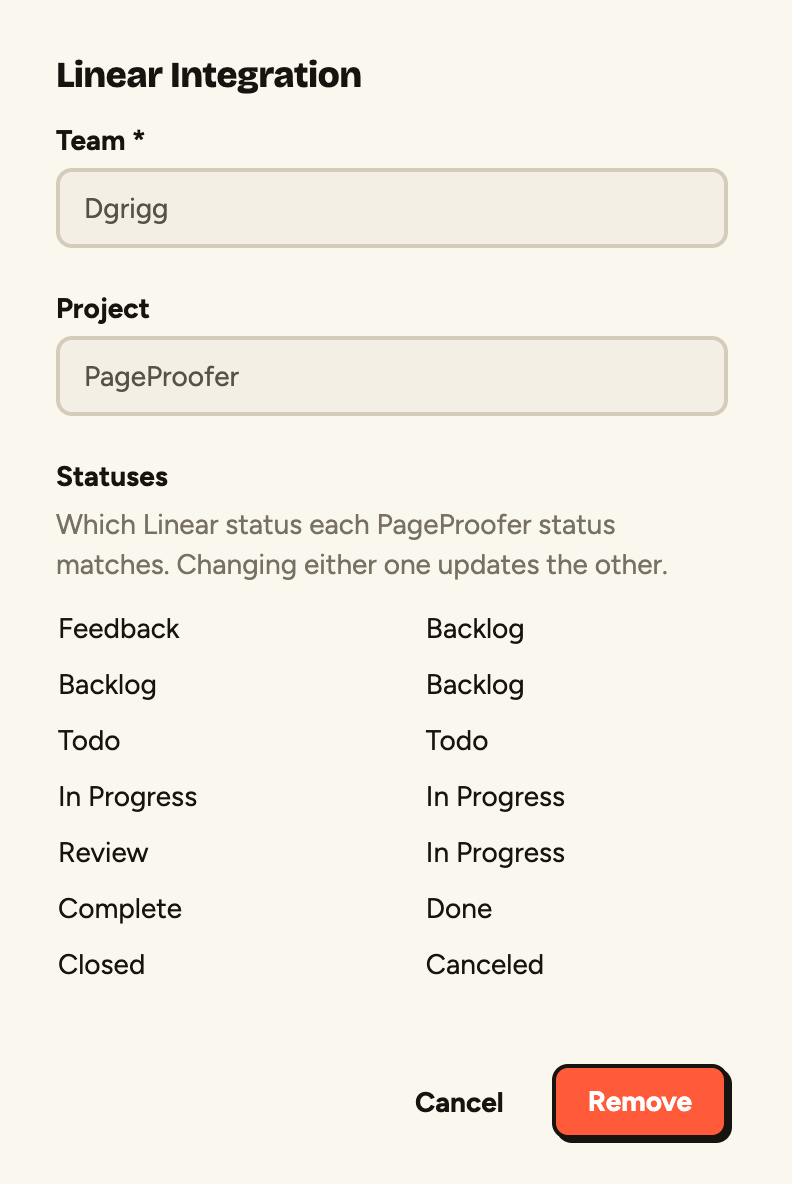
Check which Linear status each PageProofer status matches. PageProofer suggests a match for each one from the team’s workflow, so usually there’s nothing to change.
-
Click ‘Create’. Your site is now connected to Linear.
What stays in sync
- Comments added to the note or the issue are copied to the other.
- Status changes follow the matches you set in step 4.
- Priority: PageProofer’s Low, Normal and High match Linear’s Low, Medium and High. An issue marked Urgent in Linear becomes High in PageProofer.
- Assignee: people are matched by email address, so assigning someone in Linear assigns the same person in PageProofer, as long as they’re on the site.
Deleting the issue in Linear keeps the note in PageProofer. It just isn’t linked to an issue any more.
Images added to Linear comments aren’t copied to PageProofer, only the comment’s text.
Connect your own Linear account
Teammates who use Linear can connect their own account so the comments they add show up under their name:
-
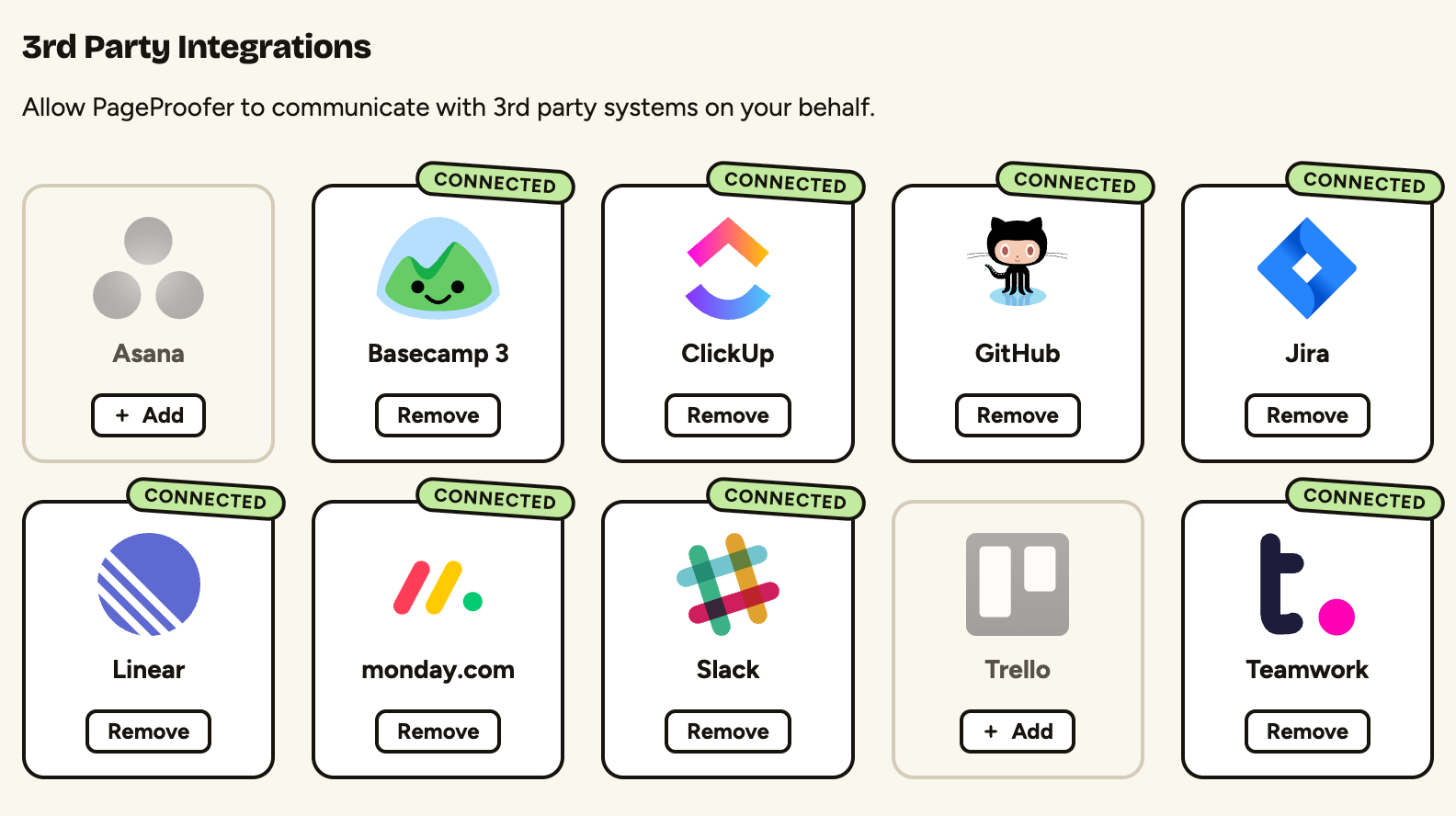
Click ‘My Settings’ in the PageProofer sidebar and choose the ‘Integrations’ tab.
-
Click ‘Add’ on Linear and allow PageProofer access to your Linear account.
If PageProofer’s access is revoked in Linear’s settings, everyone in PageProofer connected to that Linear workspace is disconnected, and needs to connect again before notes are sent to Linear.