← Back to Help How To
@Mentions
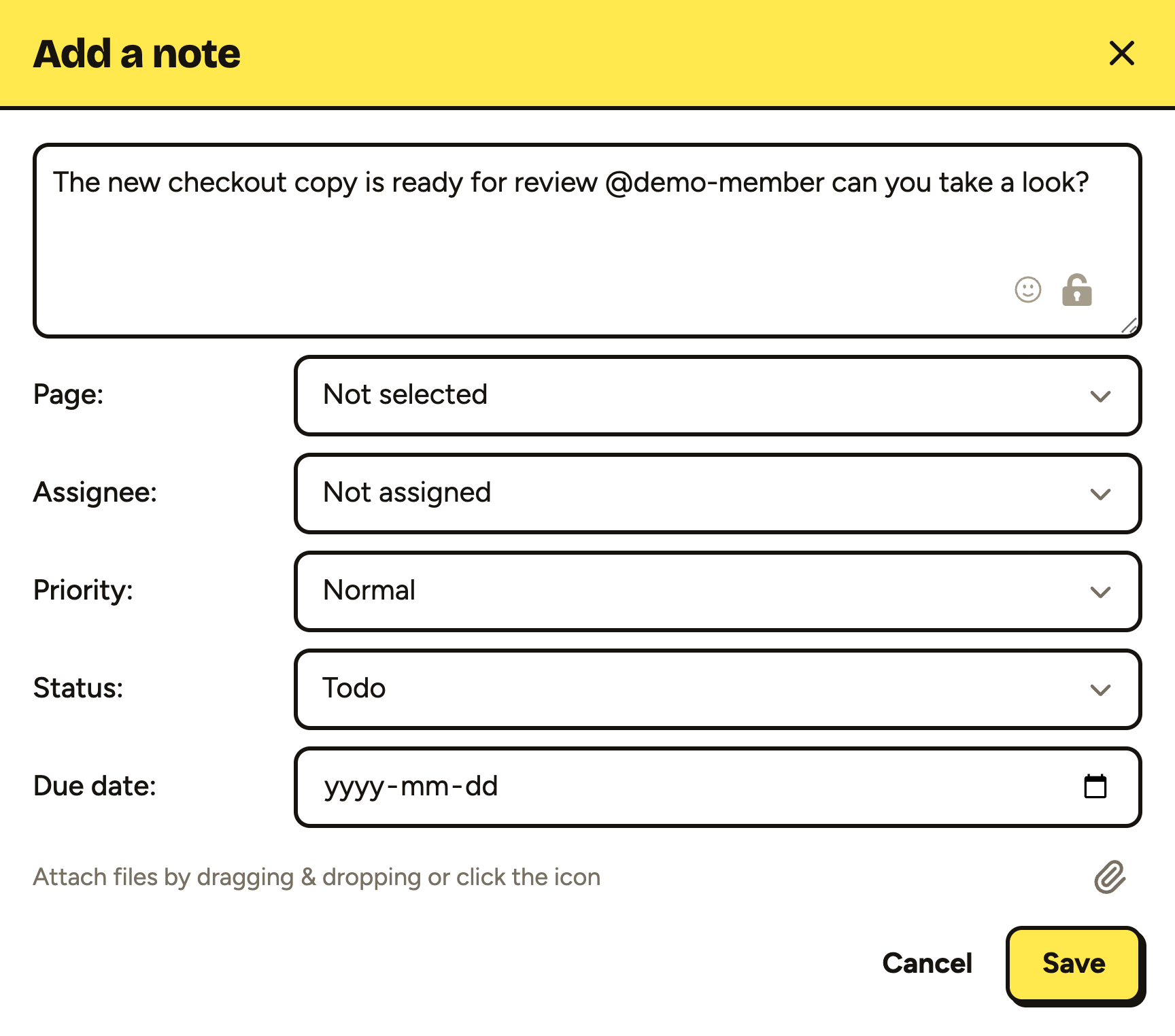
Sometimes you need to get someone’s attention right away. @mentions in notes and comments let you do that. Simply type the ’@’ character and select the person to mention. Once the note/comment is saved a notification will be sent right away to the user(s) mentioned.
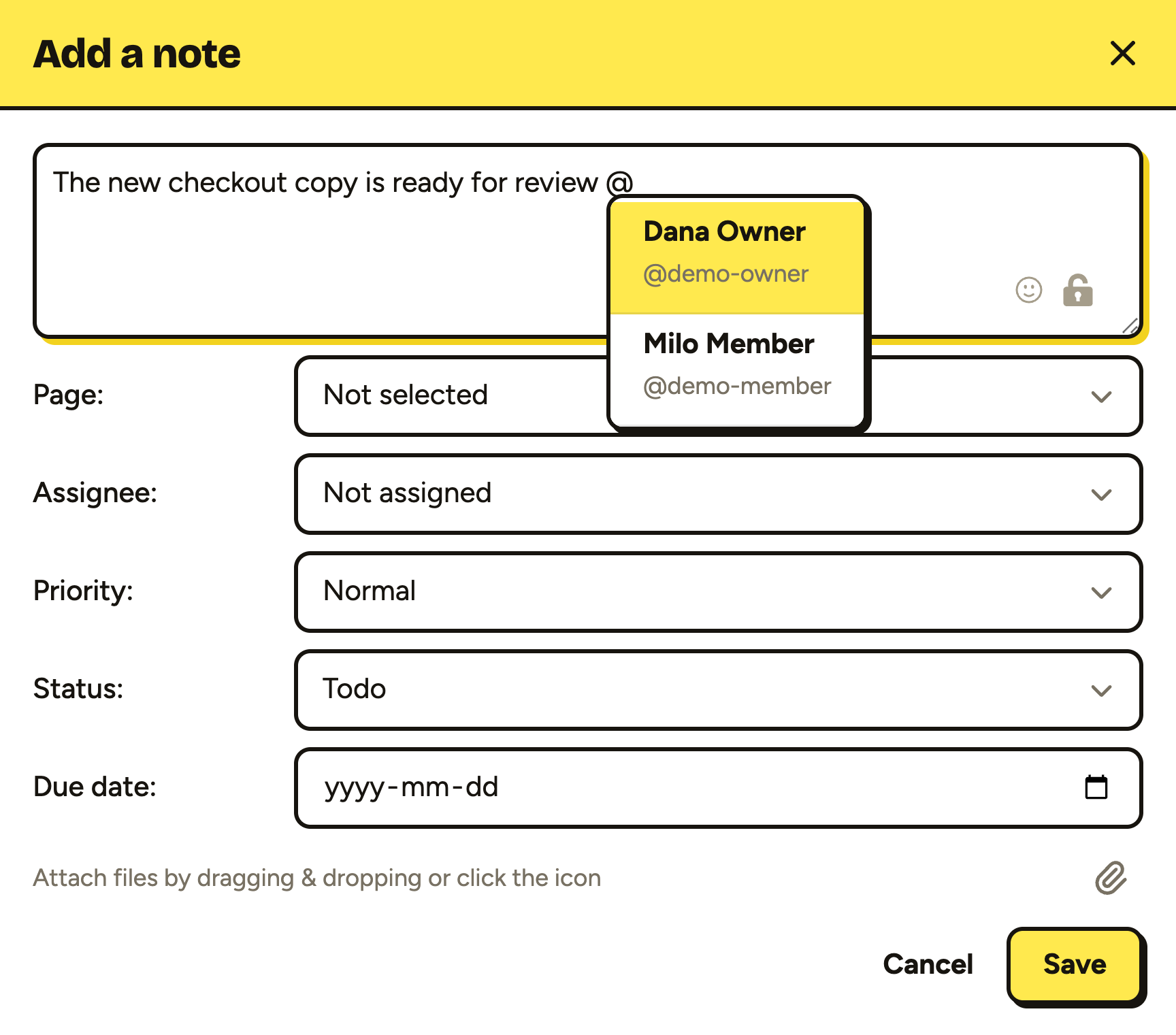
Type ’@’ in a note or comment and a list of the people on the site appears. Keep typing to narrow it down, then pick someone with a click or the Enter key.
Their username is added to the text. Save the note or comment and they’re emailed straight away.