
Site Domains
When setting up a site in PageProofer you need to define the domain(s) that PageProofer will be used on. Sometimes a website has more than one domain. For example a website under development may have a local development domain, a staging domain and a live production domain. You may want to collect all the feedback for that website under a single PageProofer site.
To do that simply enter the domains that you wish to use PageProofer on for that particular site.
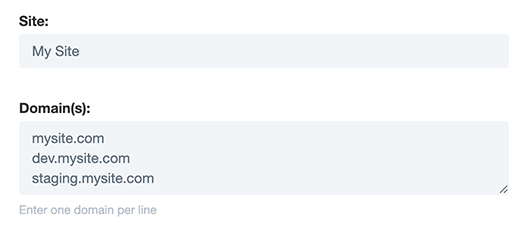
If you are using a single PageProofer site across multiple subdomains it may be easier to use a wildcard for domain matching. A wildcard can be any domain value with an ’*’ in it (ie .mydomain.com or site-.mydomain.com). Wildcards work with both the embed code and the browser extension.
If you use the PageProofer browser extension, it finds the right site by matching the website’s domain against the sites you’ve been invited to. If more than one of your sites uses the same domain, the extension picks the first one you have access to, which may not be the one you meant. Give each site its own domain, or use the javascript embed code, which always loads the site it was copied from.